> ## Documentation Index
> Fetch the complete documentation index at: https://unkey.com/docs/llms.txt
> Use this file to discover all available pages before exploring further.
# Overview
> Build, deploy, and serve your applications on Unkey infrastructure. Learn about the deployment pipeline, regions, and rollback options.
Unkey Deploy is in public beta. To try it, open the product switcher in the
top-left of the dashboard and select **Deploy**. During beta, deployed
resources are free. We're eager for feedback, so let us know what you think
on [Discord](https://unkey.com/discord), [X](https://x.com/unkeydev), or
email [support@unkey.com](mailto:support@unkey.com).
Unkey Deploy takes a Dockerfile and gives you a running application with automatic domains, multi-region routing, rollbacks, and built-in API security through [Sentinel](/platform/sentinel/overview).
## What you get
Every deployment gets its own URL. Branch, environment, and commit-level domains are assigned automatically.
Deploy to multiple [regions](/build-and-deploy/regions) and route traffic to the nearest healthy location.
Previous deployments stay running so [rollbacks](/build-and-deploy/rollbacks) are instant. No rebuild required.
API key authentication, rate limiting, and IP rules run in front of your app before requests reach it.
Stream build and runtime logs in real time from the dashboard.
Every branch gets its own isolated [environment](/environments/overview) with separate variables and domains.
## Requirements
* A **Dockerfile** in your repository. Unkey does not auto-detect runtimes or use buildpacks.
* A **GitHub repository** for automatic deployments, or a pre-built Docker image for CLI deploys.
## Get started
The fastest path is connecting a GitHub repository:
1. Create a [project](/platform/projects/overview) in your workspace.
2. Click **Import from GitHub** and select your repository.
3. Review build settings (root directory, Dockerfile path, watch paths).
4. Click **Deploy**.
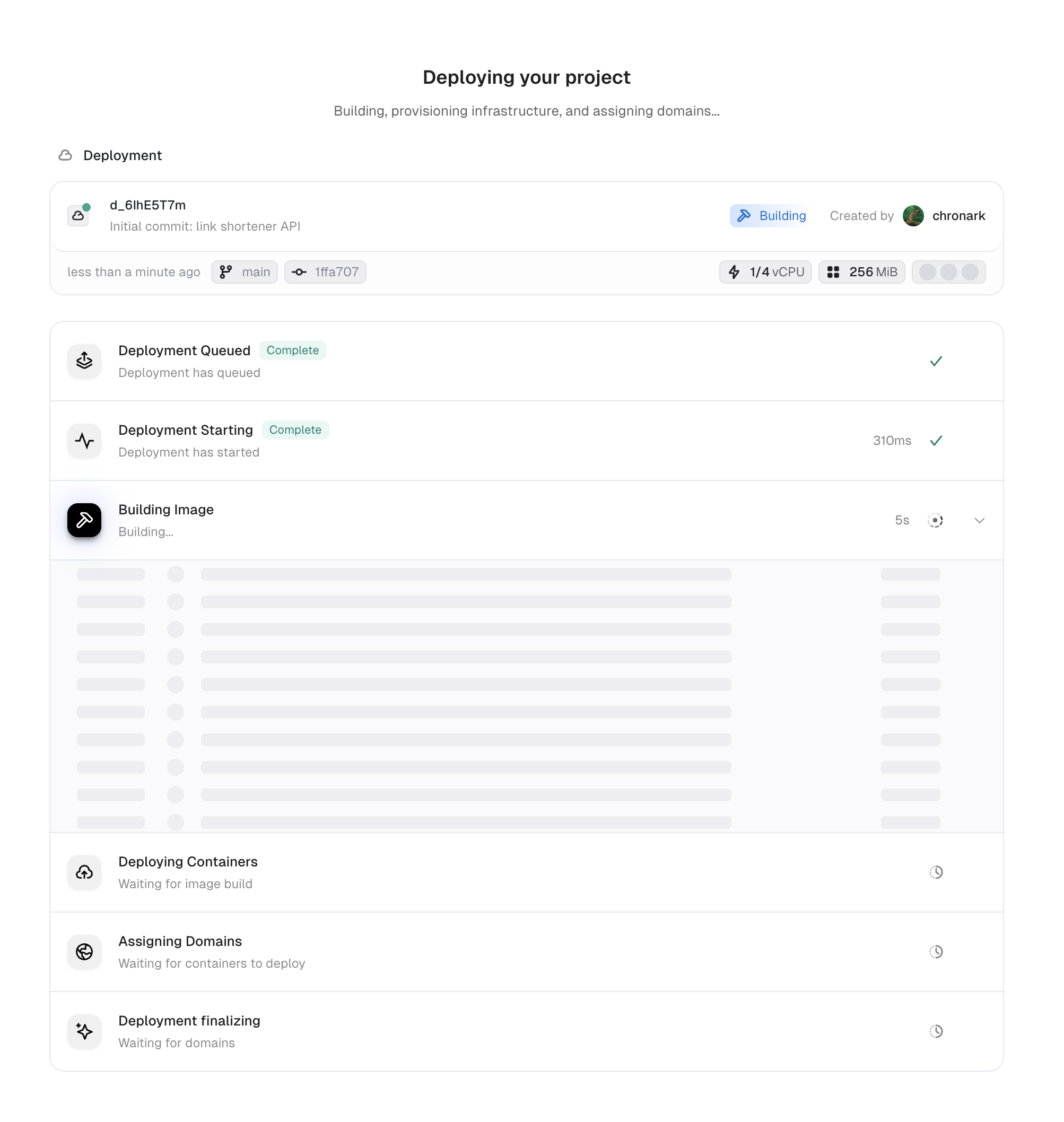
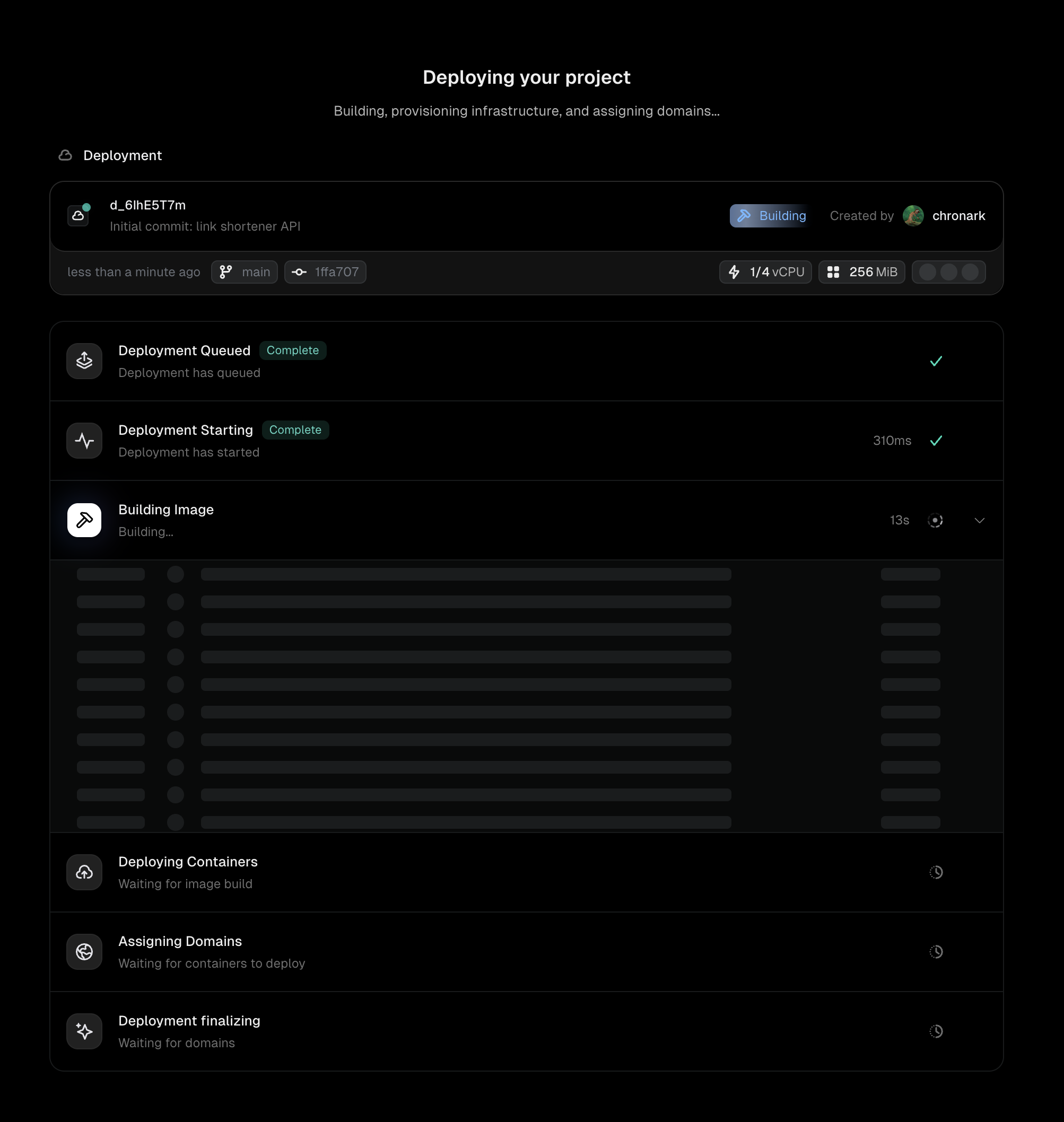
Unkey builds your image, deploys it to your configured regions, and assigns domains. See [GitHub integration](/build-and-deploy/github) for the full walkthrough with screenshots.
 ## Three ways to deploy
Connect a repository and deploy automatically on every push. Default branch goes to production, other branches go to preview.
Deploy a pre-built Docker image with `unkey deploy`. Useful for CI/CD pipelines and custom build systems.
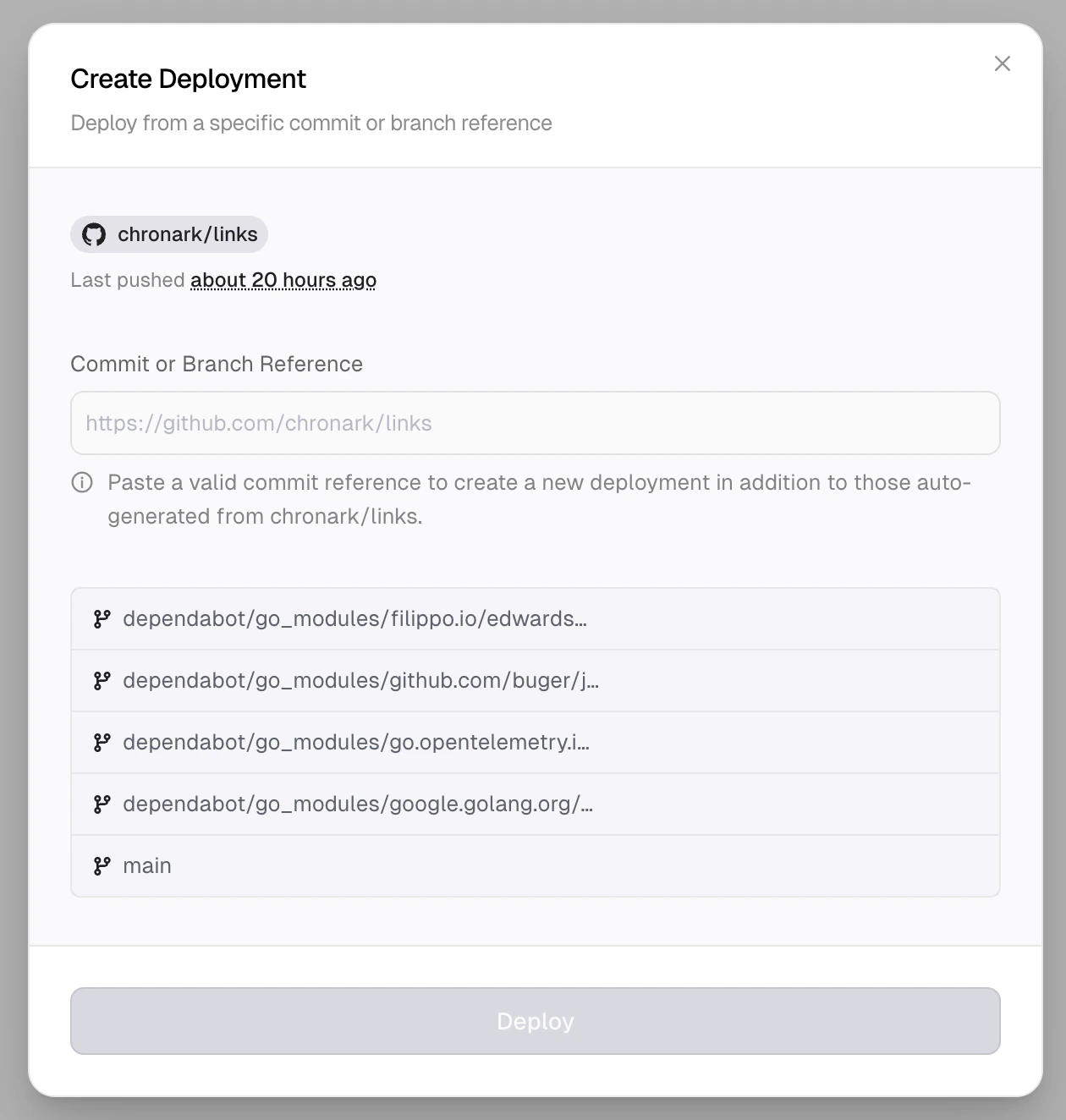
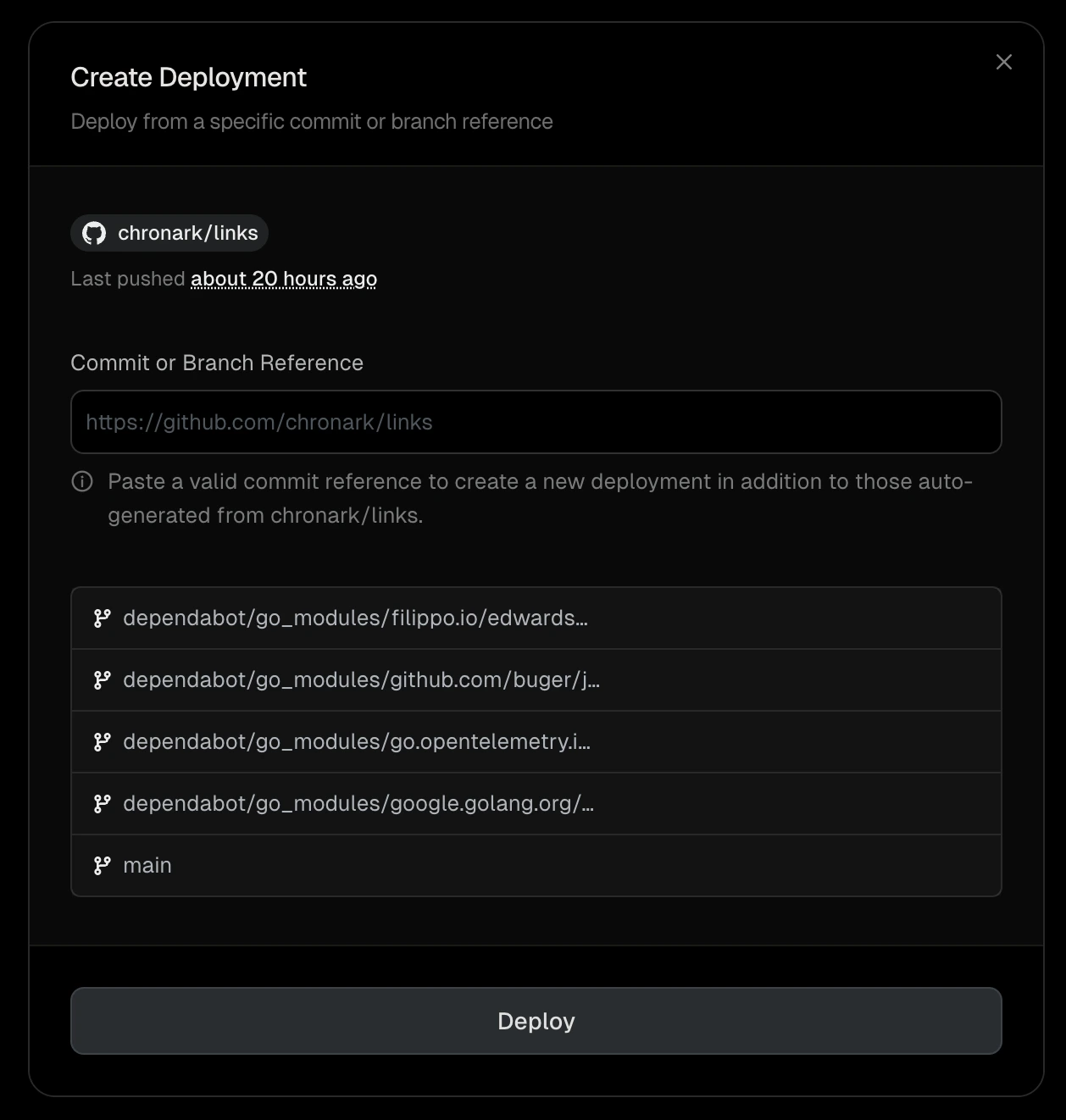
Trigger a deployment manually from a branch, commit, pull request URL, or [fork](/build-and-deploy/github#deploy-from-a-fork-manually).
## Three ways to deploy
Connect a repository and deploy automatically on every push. Default branch goes to production, other branches go to preview.
Deploy a pre-built Docker image with `unkey deploy`. Useful for CI/CD pipelines and custom build systems.
Trigger a deployment manually from a branch, commit, pull request URL, or [fork](/build-and-deploy/github#deploy-from-a-fork-manually).
 ## Next steps
Full setup walkthrough with screenshots
Ship pre-built Docker images from CI or your machine
Pick the right path for your team
How deployments progress from build to serving traffic
Configure where your app runs
Build, runtime, and Sentinel configuration
## Next steps
Full setup walkthrough with screenshots
Ship pre-built Docker images from CI or your machine
Pick the right path for your team
How deployments progress from build to serving traffic
Configure where your app runs
Build, runtime, and Sentinel configuration