> ## Documentation Index
> Fetch the complete documentation index at: https://unkey.com/docs/llms.txt
> Use this file to discover all available pages before exploring further.
# Overview
> A workspace is the top-level container in Unkey that holds your projects, apps, API keys, billing, and team member access controls.
A workspace is the highest level of separation in Unkey. All resources you create belong to exactly one workspace, and nothing is shared between workspaces.
Each workspace isolates:
* **[Billing](/platform/workspaces/billing)**: every workspace has its own Stripe subscription, payment method, and invoices. Usage in one workspace does not affect another.
* **[Team members](/platform/workspaces/team-members)**: each workspace has its own set of members and roles. Being an admin in one workspace does not grant access to another.
* **[Limits](/platform/workspaces/quotas)**: request limits, data retention, and resource allocations are tracked per workspace.
* **[Keyspaces](/platform/apis/keys) and keys**: keyspaces, API keys, identities, roles, and permissions are scoped to the workspace that created them.
* **[Projects](/platform/projects/overview)**: deploy projects, apps, environments, and deployments belong to a single workspace.
* **[Root keys](/platform/root-keys/overview)**: API credentials for programmatic access are issued per workspace and only grant access to that workspace's resources.
Most teams use a single workspace. Create separate workspaces when you need hard isolation between billing accounts or teams (for example, separate workspaces for different business units or clients).
## Slug and ID
Every workspace has two identifiers:
* **Slug** is the URL handle you choose when creating the workspace (for example, `acme`). It appears in all dashboard URLs (`app.unkey.com/acme/...`) and must be globally unique. The slug accepts lowercase letters, numbers, and hyphens, and cannot start or end with a hyphen. The slug cannot be changed after creation.
* **Workspace ID** is a system-generated identifier prefixed with `ws_` (for example, `ws_abc123`). Use this when calling the Unkey API. You can copy it from **Settings > General**.
## Create a workspace
1. Navigate to the workspace creation page at `app.unkey.com/new`.
2. Enter a workspace name (3 to 50 characters).
3. Set a slug. Unkey auto-generates one from the name, but you can edit it.
4. Click **Create workspace**.
After creation, Unkey redirects you to the workspace dashboard. The workspace starts on the Free plan with [default limits](/platform/workspaces/quotas#free-plan-defaults).
## Switch between workspaces
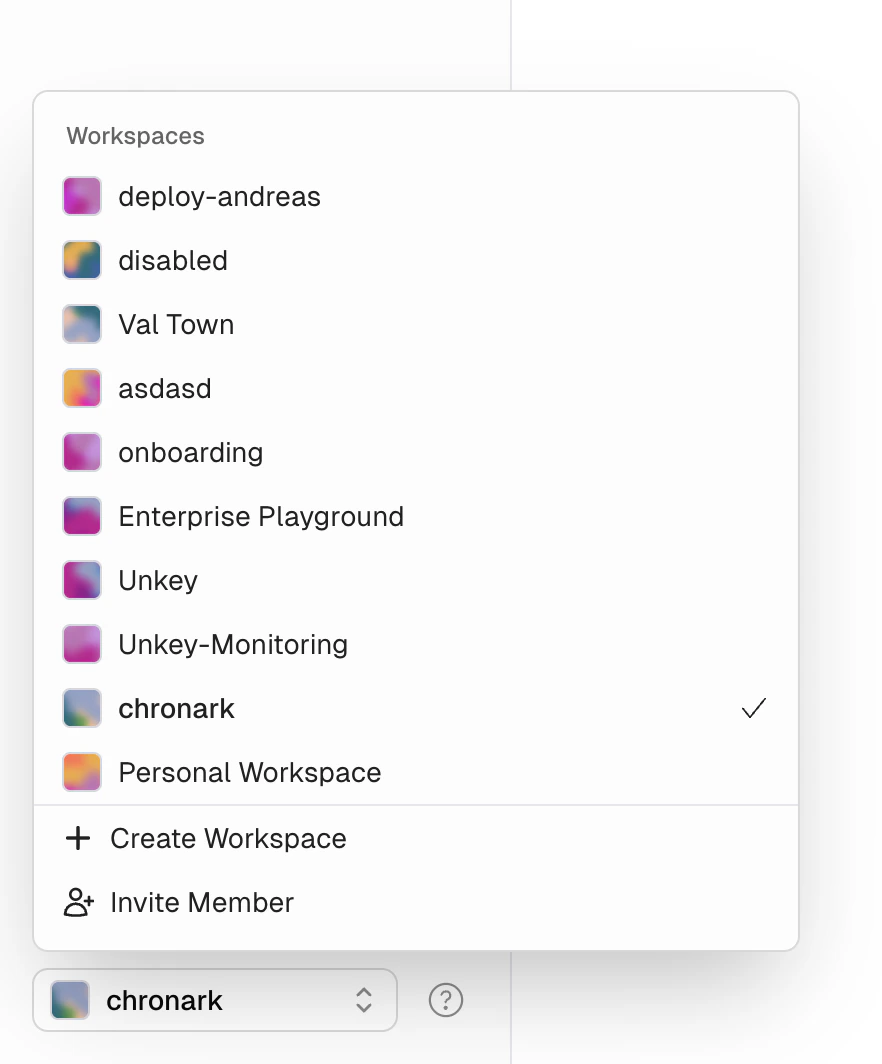
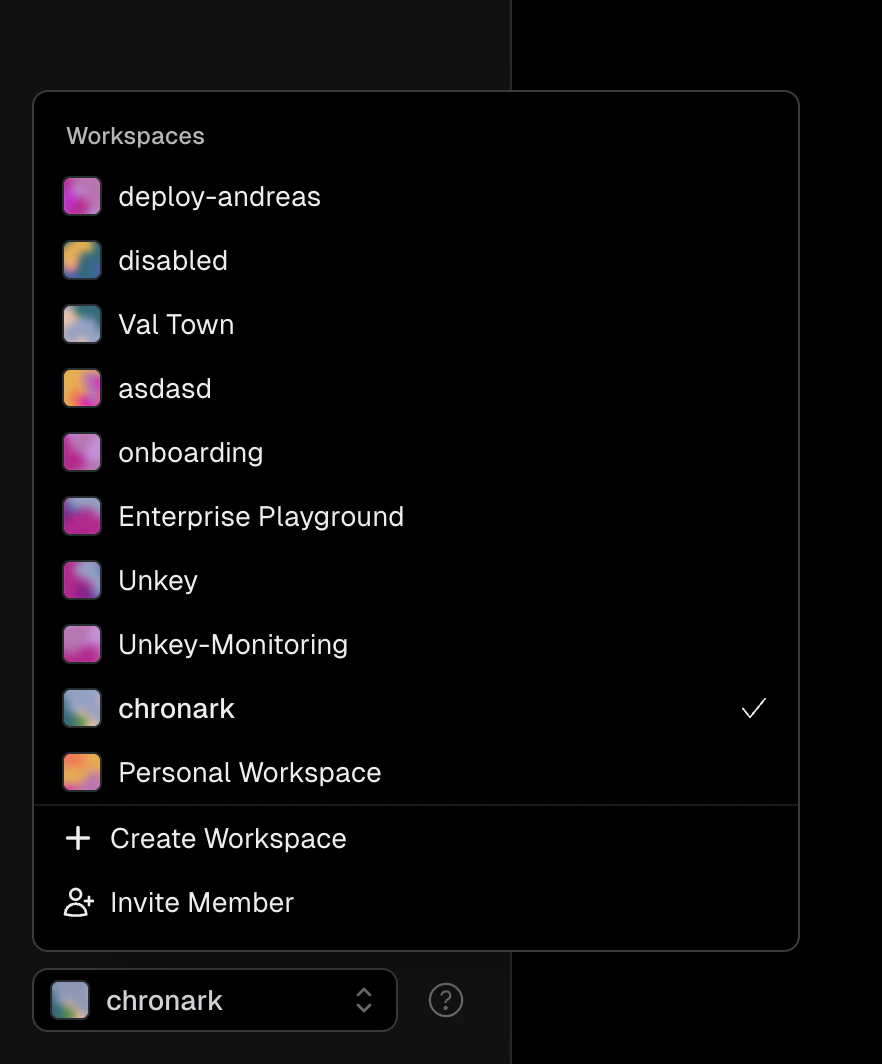
If you belong to multiple workspaces, use the workspace switcher in the sidebar to move between them.
 ## Delete a workspace
To delete a workspace, contact [support@unkey.com](mailto:support@unkey.com).
## Delete a workspace
To delete a workspace, contact [support@unkey.com](mailto:support@unkey.com).