

Creating permissions
Users of our app can have the following permissions: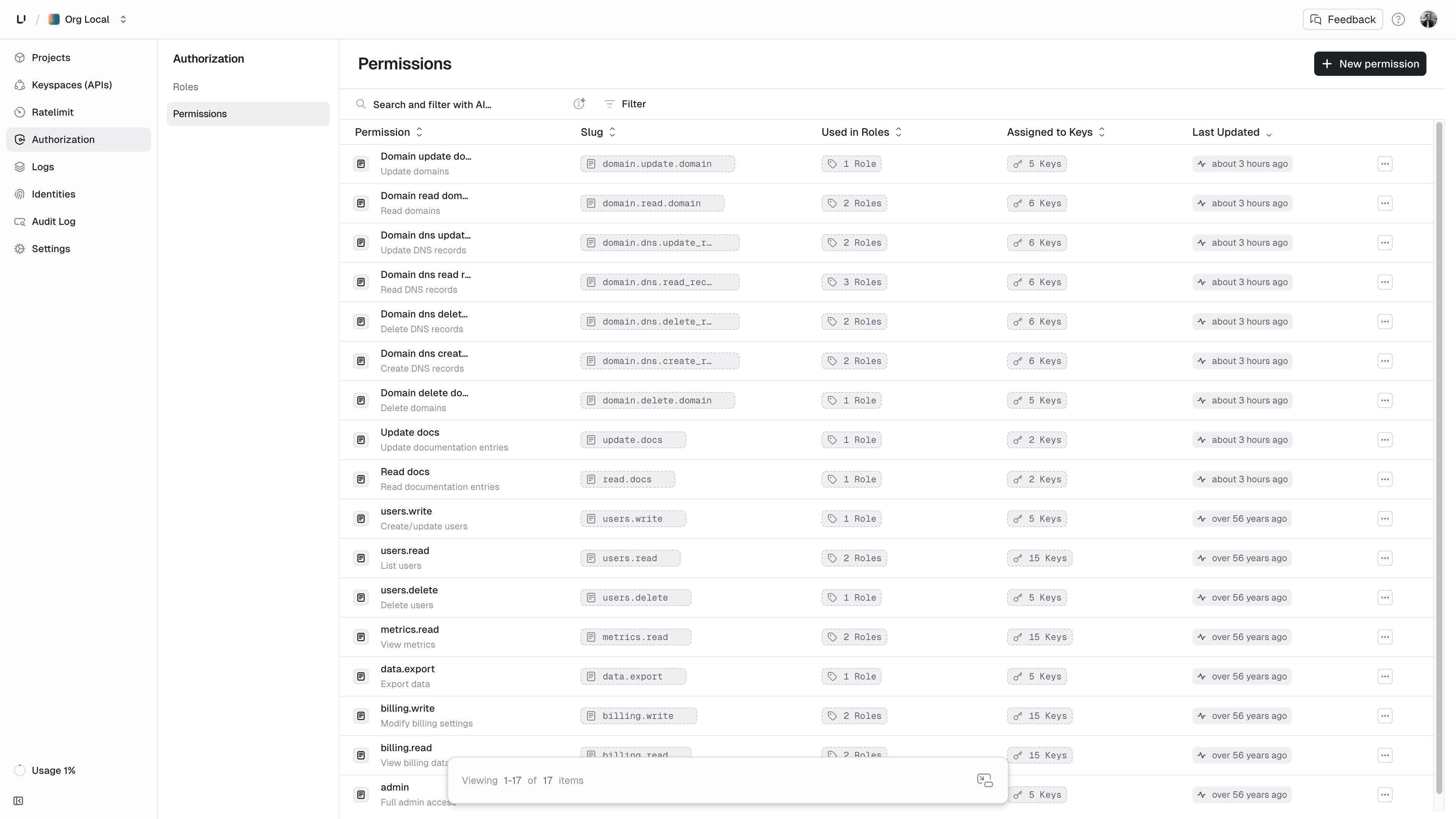
domain.delete_domaindomain.dns.create_recorddomain.dns.read_recorddomain.dns.update_recorddomain.dns.delete_recorddomain.create_domaindomain.read_domaindomain.update_domain
Roles, navigate to the Authorization/Roles. Default when navigating to Authorization. - For Permissions, navigate to the Authorization/Permissions.Create them in your Authorization/Permissions page. Use the button in the upper right. + New permissionCreating roles
We define the following roles: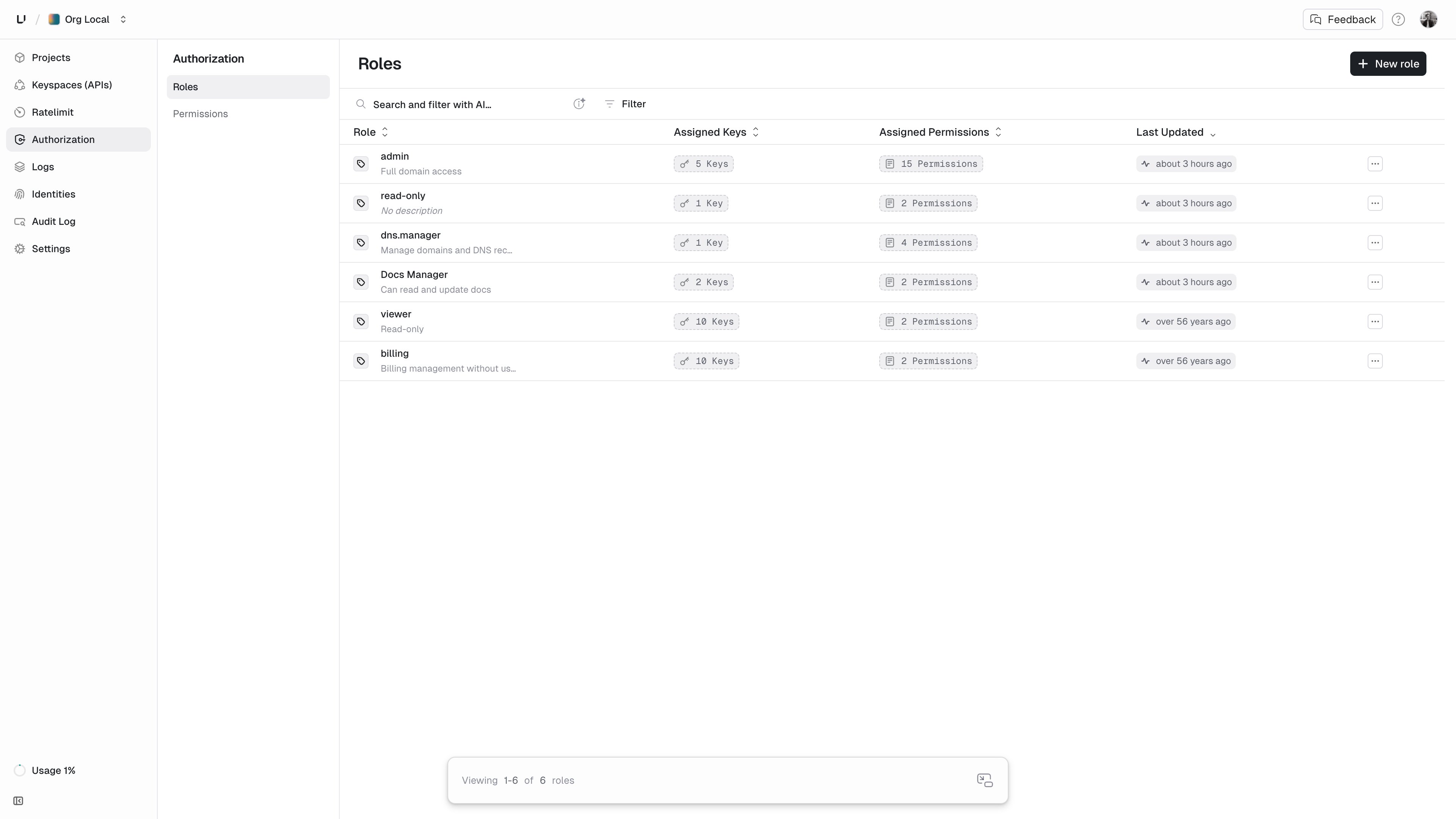
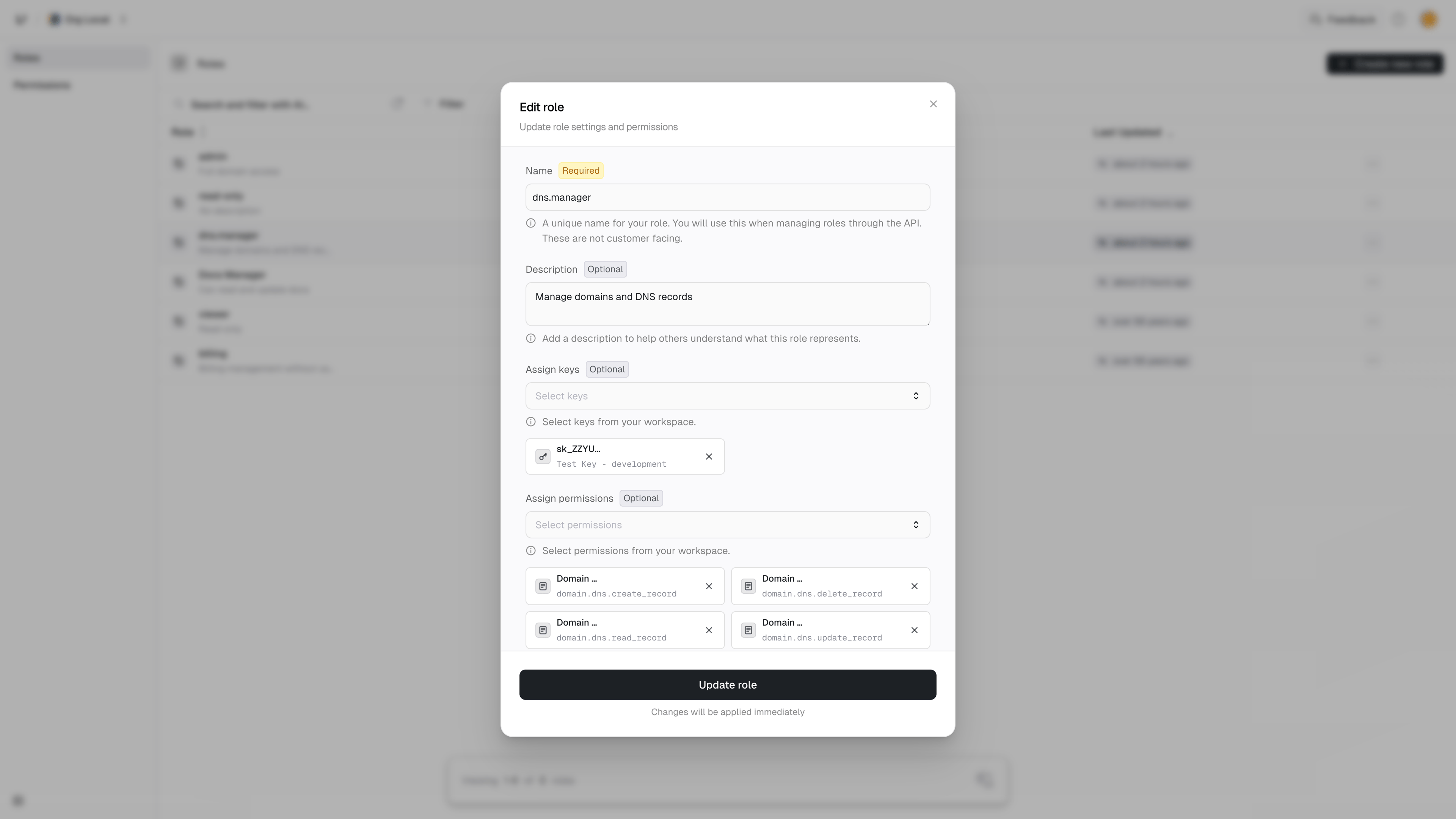
admin: An admin can do everything.dns.manager: Can create, read, update and delete dns records but not access the domain itself.read-only: Can read domain or dns record information.
Authorization/Roles page. Use the button in the upper right. + New roleConnecting
For each role, we need to connect the permissions it should have.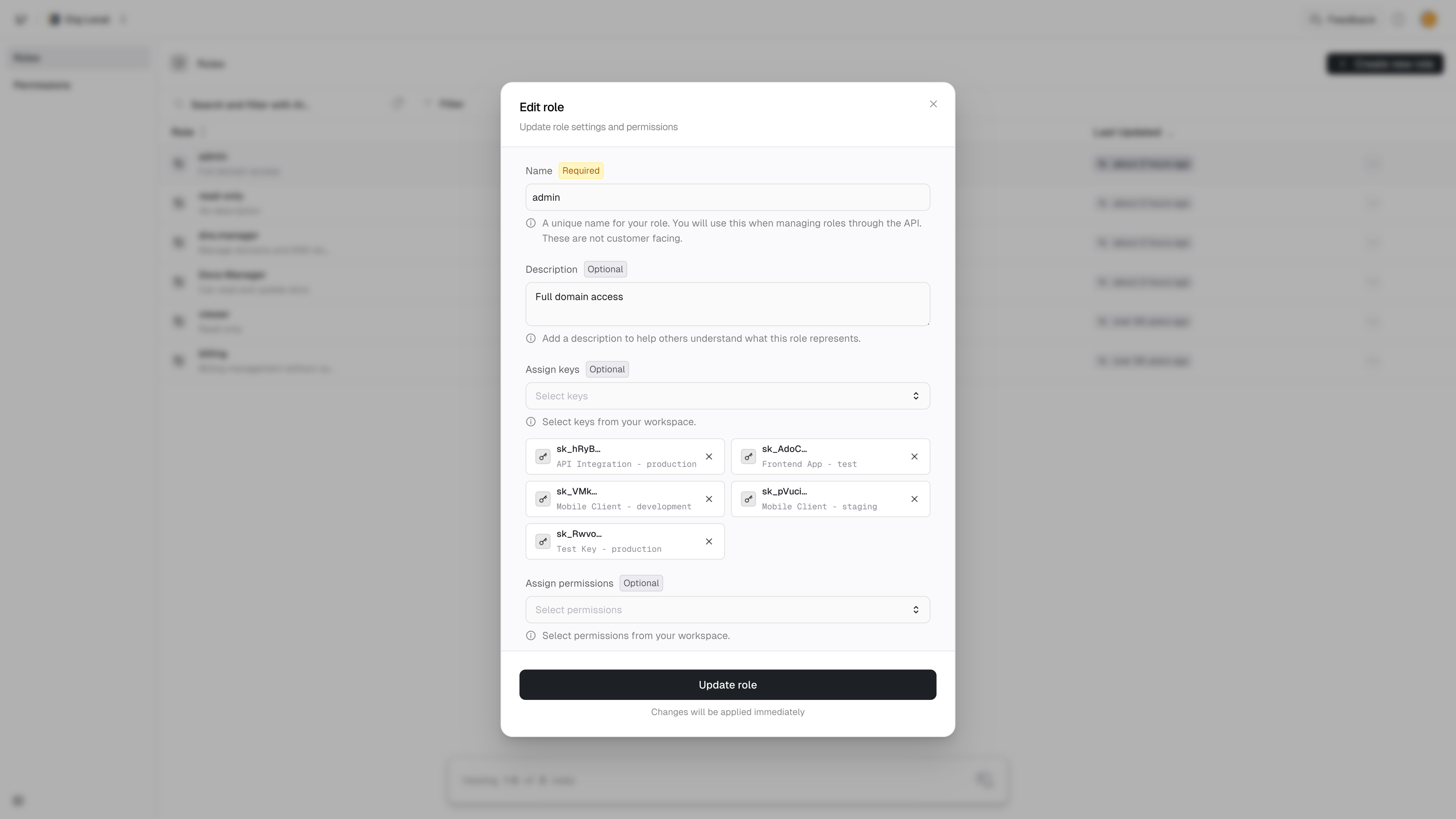
- admin
- dns.manager
- read-only
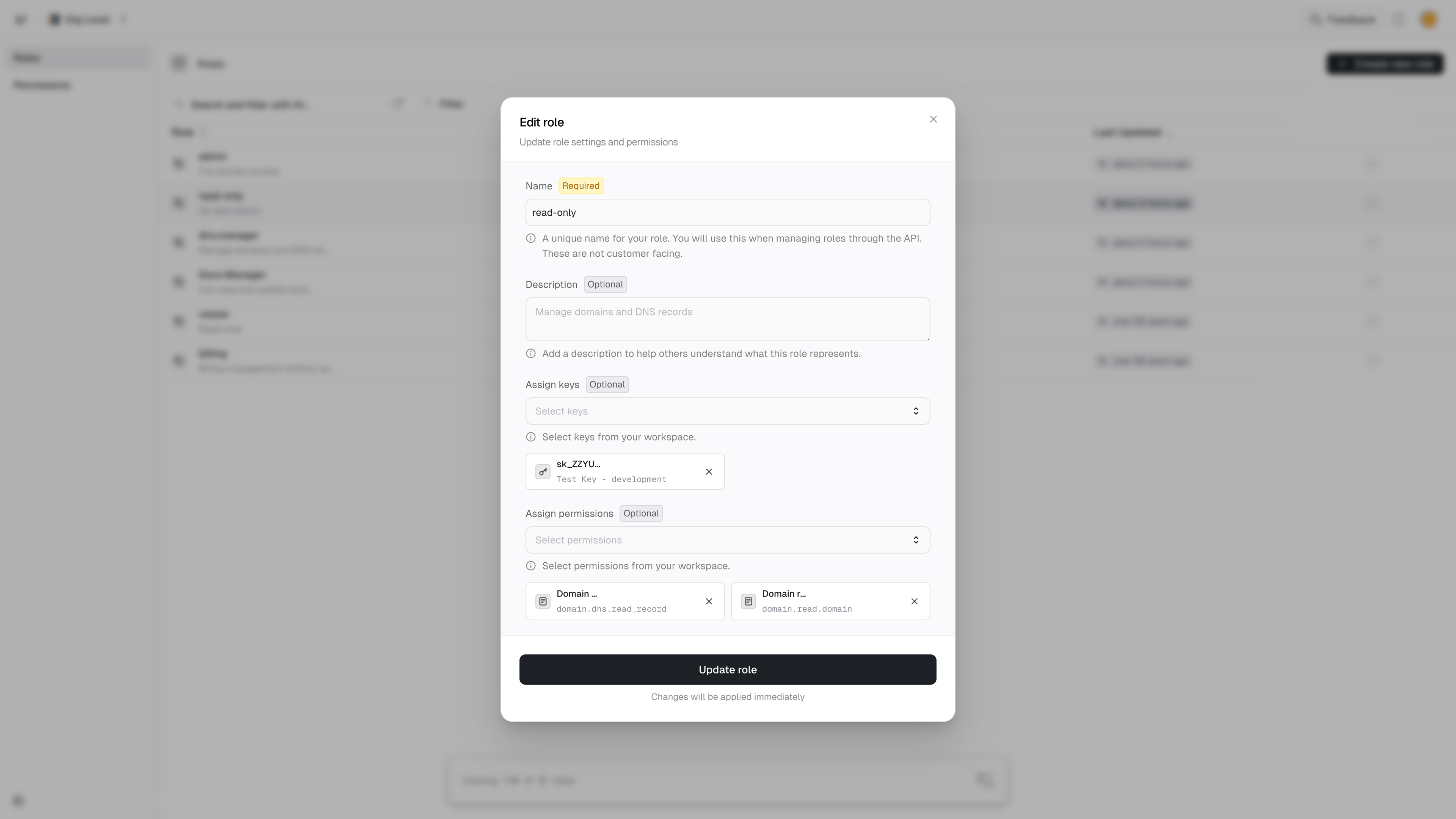
4
Connect a key
Now that we have permissions and roles in place, we can connect them to keys.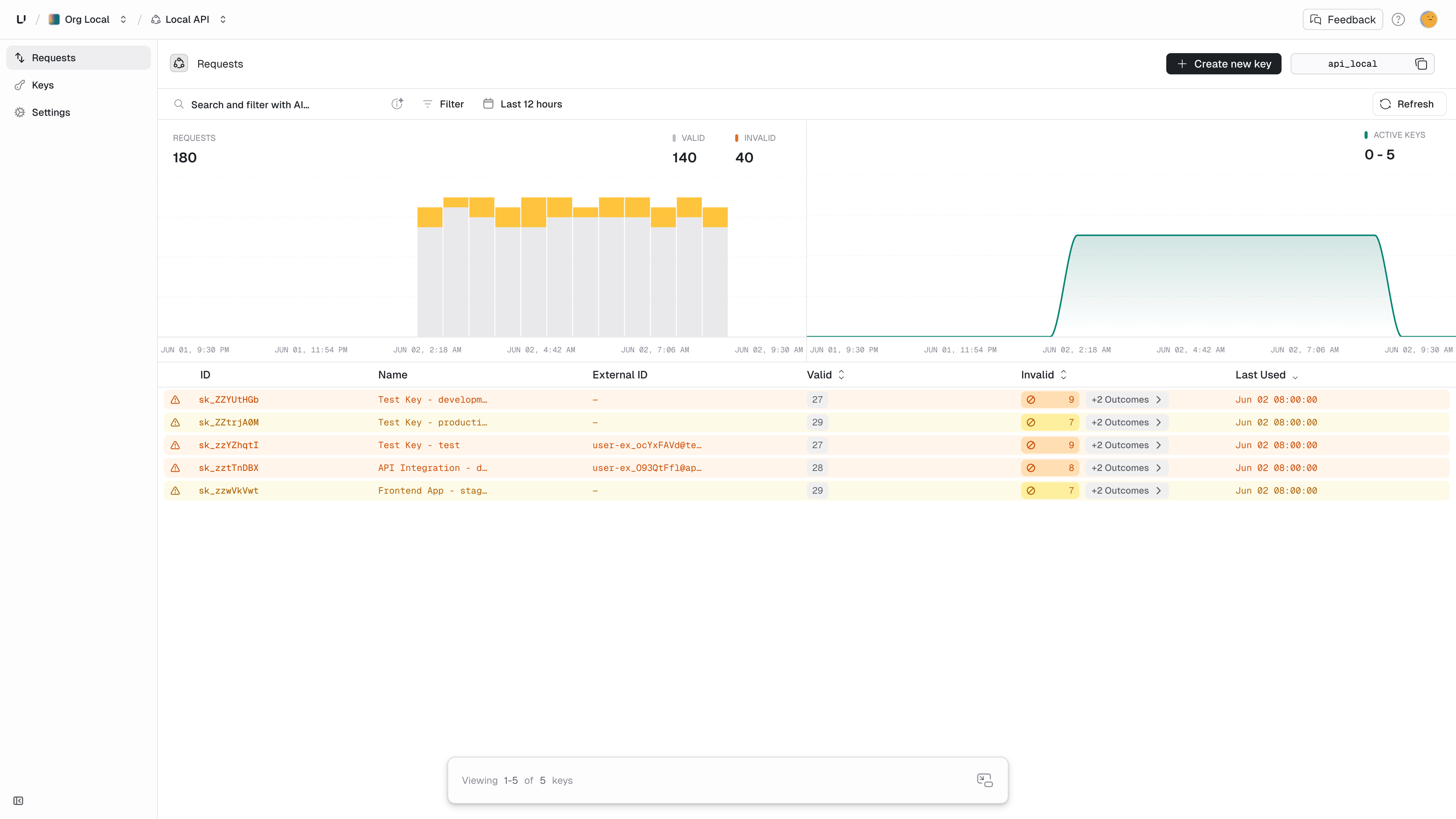
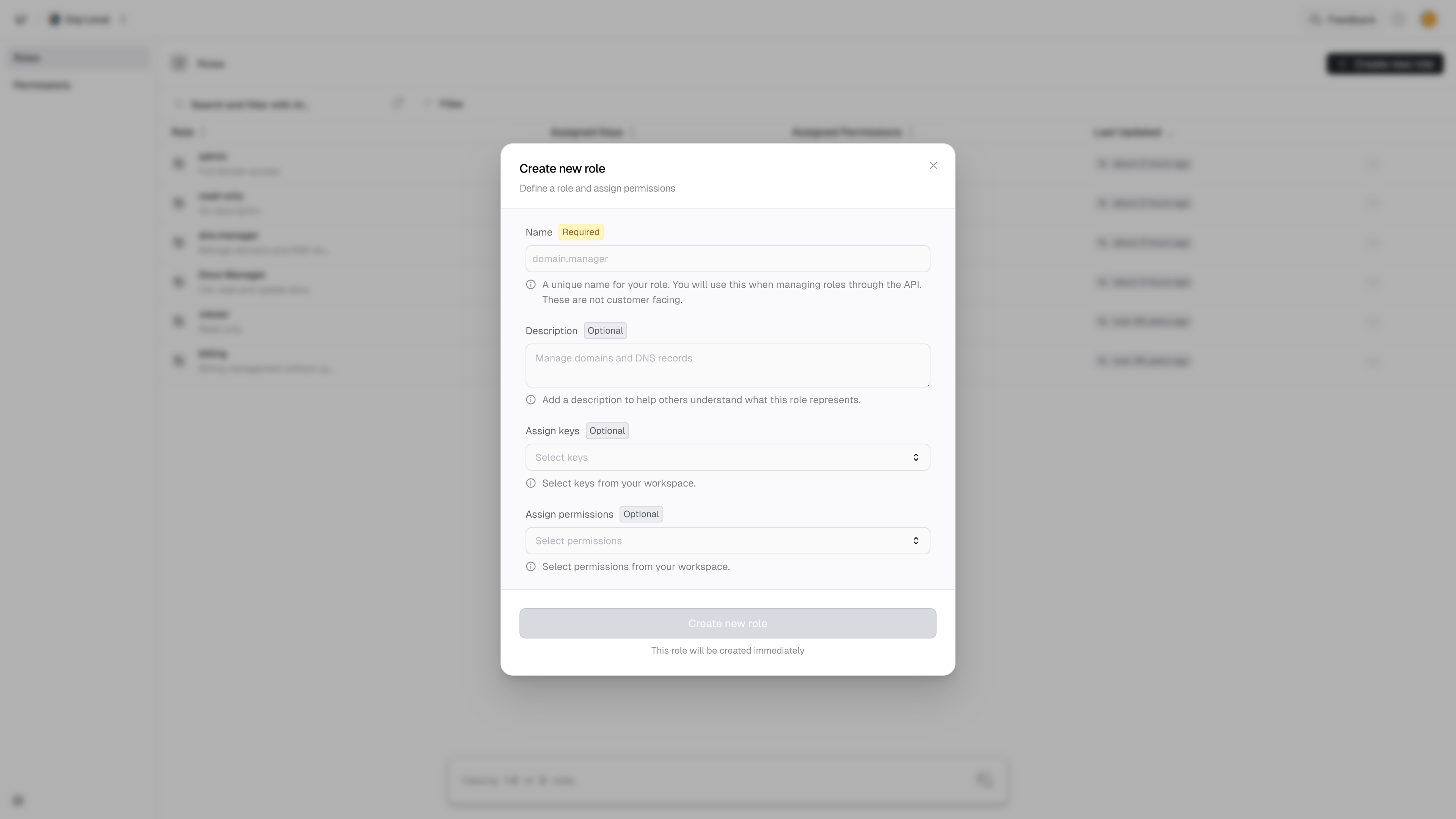
- Dashboard
- API
- In the sidebar, click on one of your keyspaces
-
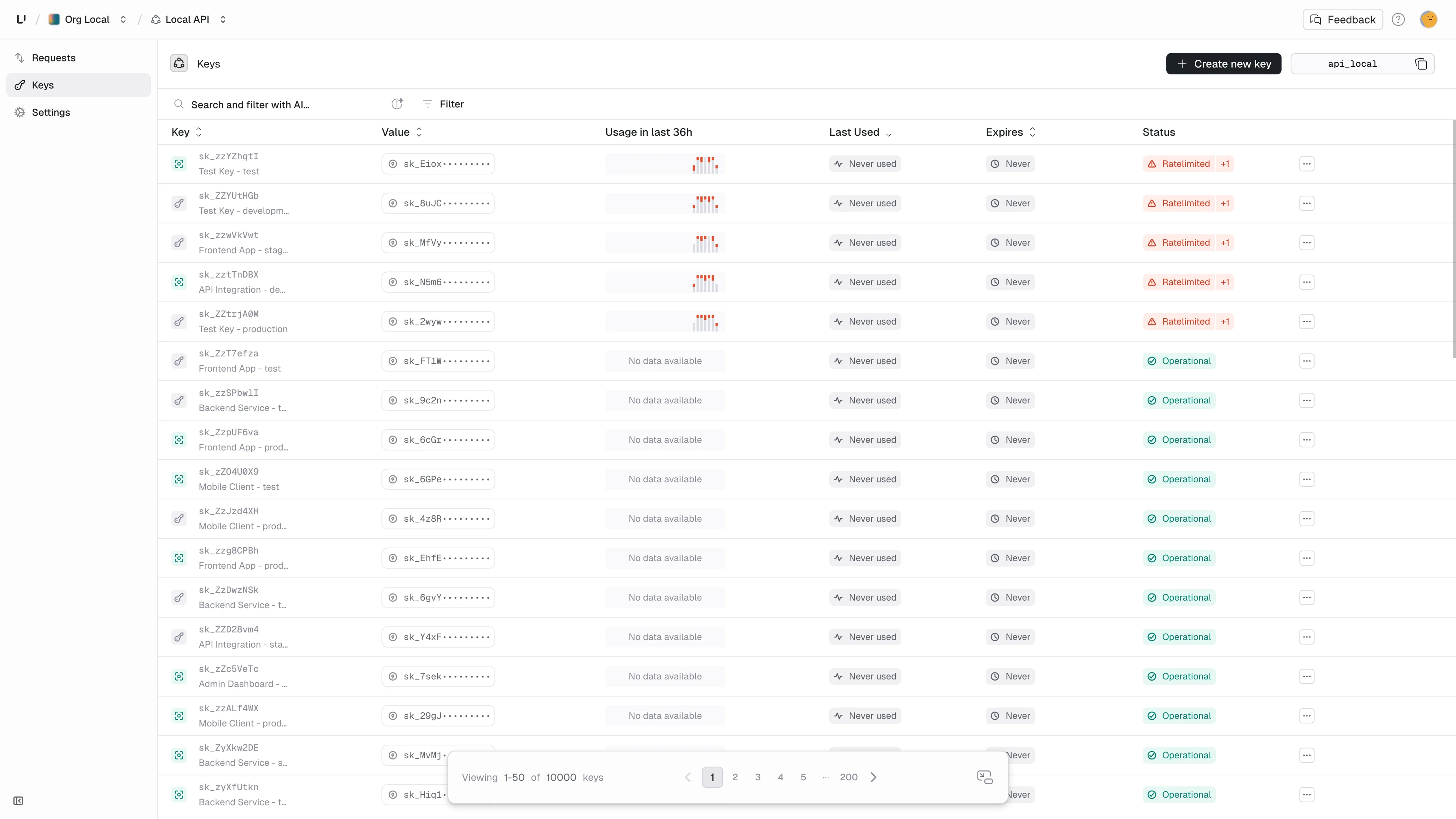
Next click on keys in the expanded keyspace you selected.
-
On the key you want to use, click on the action menu (
...) at the end of that table row. -
Select
Manage roles and permissions...
- You can connect a role to your key by using the
Assign roleinput. Let’s give this key thedns.managerandread-onlyroles.
roles and 5 permissions shown just above the Roles section:5
Verifying Permissions
Now you can verify this key and perform permission checks. Read more