

General
string
required
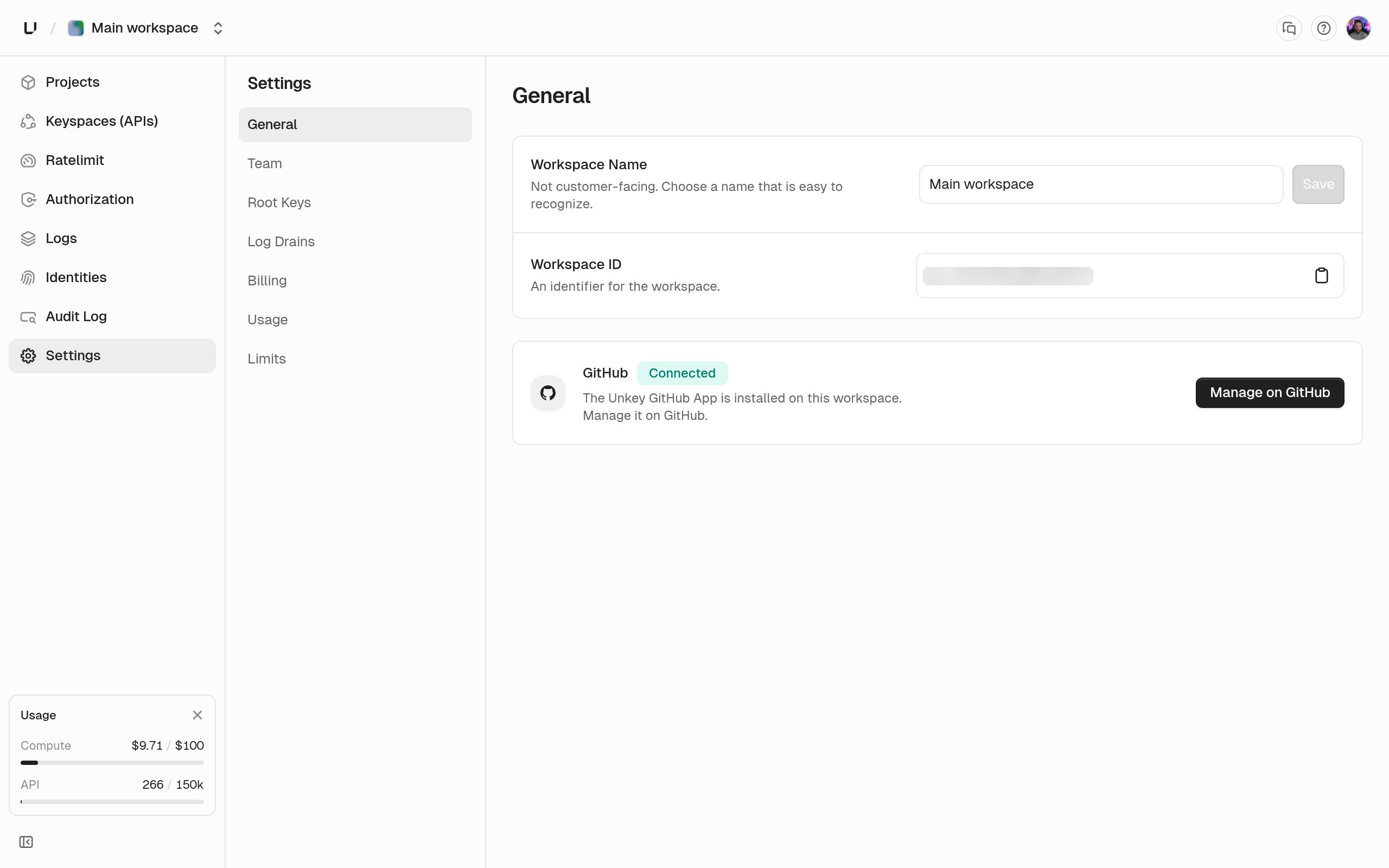
Between 3 and 50 characters. Internal only: your users never see it. Only an admin can save a new name. Other roles see the field, but Save stays disabled with “Admin access required to rename the workspace”. Renaming writes a
workspace.update audit log entry.string
Read-only. The
ws_ identifier with a copy button. Use it in API calls and support requests. The slug in the URL is a different identifier and can’t be changed. See Workspaces.connection
Whether the Unkey GitHub App is installed for this workspace. Install GitHub App sends you to GitHub to pick the repos Unkey may read. Once it’s installed, the card shows Connected and the button becomes Manage on GitHub. That connection is what lets Compute deploy an from a repo and create preview per pull request. API Management-only workspaces can leave it disconnected.
Other settings pages
The rest of the settings sidebar lives on its own pages.Team
Roles, invitations, and removing members.
Root keys
The credential for the API. Admins only.
Billing
API tier, Compute plan, payment method, invoices.
Usage and limits
What you used this month and the ceilings your plan sets.