

ratelimit.limit with its default numbers, and when the identifier matches an override, Unkey uses the override’s numbers instead. Use it to raise a partner’s limit or throttle an abuser without deploying.
You need a root key with the permissions listed on this page. Create one in the dashboard under Settings > Root Keys, and pass it as
Authorization: Bearer <root key>. See Permission reference for every permission.ratelimit.*.set_override or ratelimit.<namespace_id>.set_override. Reading and listing need ratelimit.*.read_override, and deleting needs ratelimit.*.delete_override.
Set an override
string
required
Namespace name or ID, 1 to 512 characters. Unlike
ratelimit.limit, this doesn’t create a missing namespace. It returns HTTP 404 err:unkey:data:ratelimit_namespace_not_found.string
required
The exact identifier, or a pattern containing
*, 1 to 512 characters. Case-sensitive.integer
required
Tokens per window for matching identifiers, 1 or more. Don’t use
0 to ban someone: the API accepts it, but checks against it fail with a server error. Use 1 with a long duration instead.integer
required
Window length in milliseconds, 1000 or more. It may differ from the duration your code sends.
ratelimit.set_override. It takes up to about a minute to apply everywhere.
How a match is chosen
An override on the exact identifier always wins. If there isn’t one, a matching wildcard override applies. In a pattern,* matches any run of characters (including none), and the pattern must match the whole identifier.
With
*@acme.com at 500 per minute and ceo@acme.com at 10,000, ceo@acme.com gets 10,000, everyone else at acme.com gets 500, and user@other.com gets the numbers your code sent. If two wildcards match the same identifier, there’s no rule for which wins, so avoid overlapping wildcards in one namespace.
Read, list, and delete
ratelimit.getOverridetakesnamespaceandidentifierand returns the override that would apply, using the same matching rules:overrideId,identifier(the stored pattern),limit, andduration. If nothing matches, it returns HTTP 404err:unkey:data:ratelimit_override_not_found.ratelimit.listOverridestakesnamespace,limit(1 to 100, default 50), andcursor, and returns the same objects with pagination.ratelimit.deleteOverridetakesnamespaceandidentifier. Matching identifiers go back to your code’s numbers (or another matching wildcard) within about a minute.
From the dashboard
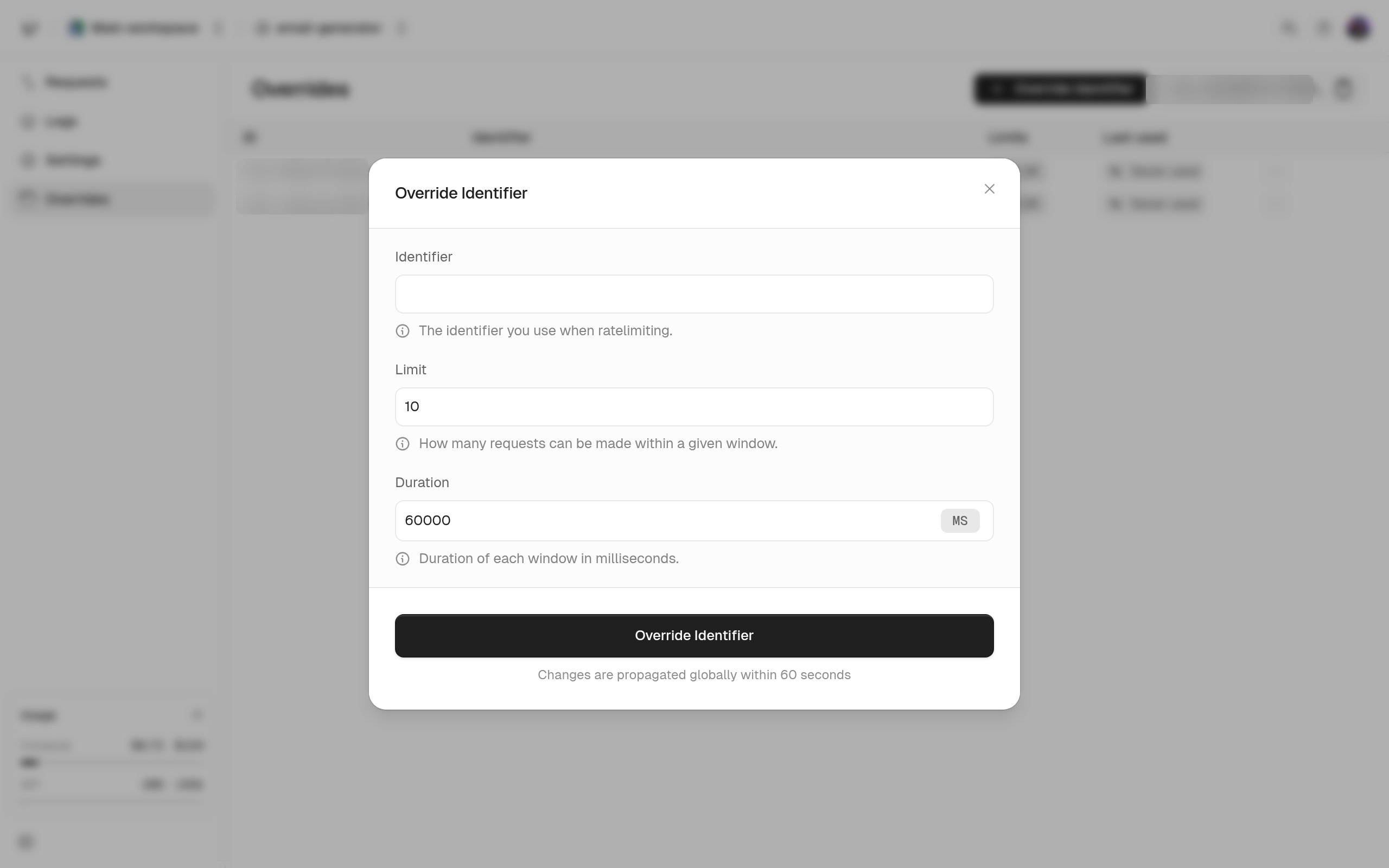
Under Ratelimit, open the namespace and its Overrides tab to add, edit, or delete overrides. You can also choose Delete Override on a row in the namespace’s logs. In the dashboard, the identifier must be at least 2 characters and the limit can’t go over 10,000. Overrides set through the API outside those bounds still work.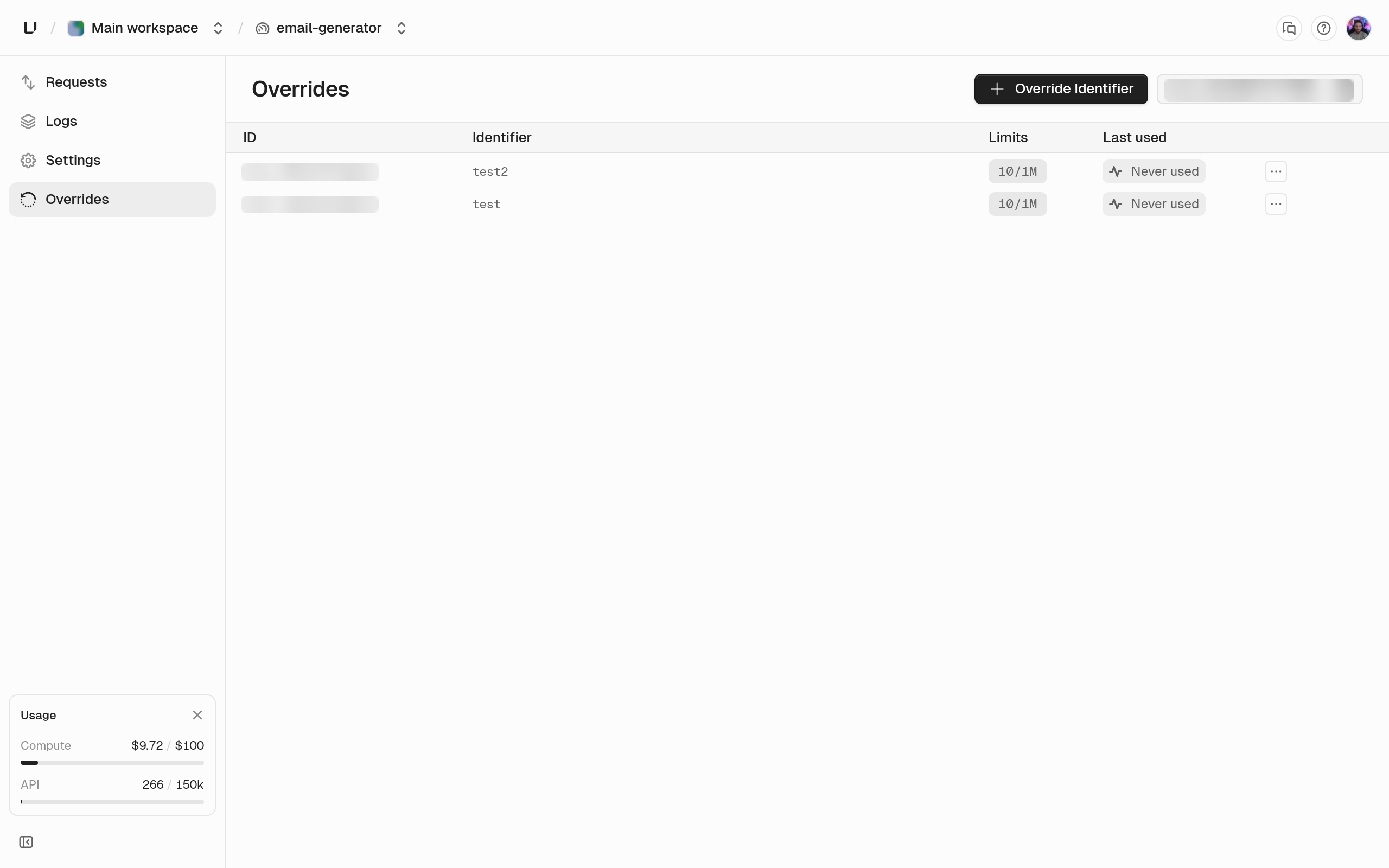
Patterns that work well
- Per-plan limits. Build identifiers as
${plan}:${userId}and set one wildcard override per plan (free:*,pro:*,enterprise:*). Update overrides from your billing webhooks when customers change plans. - Stop an attack. Set the identifier to a limit of
1over a long duration, and delete the override when the incident ends.