

General
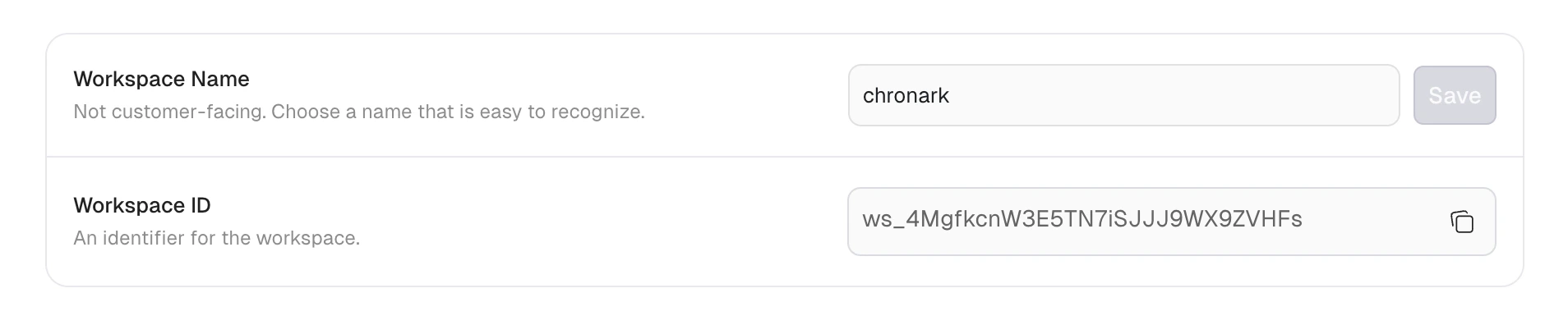
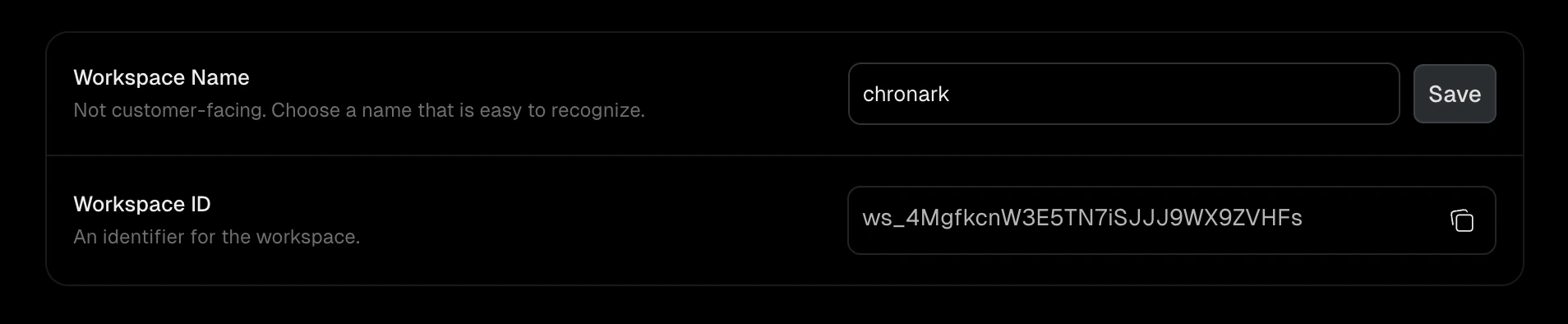
Workspace name
The display name for your workspace (3 to 50 characters). This is not customer-facing. It helps you and your team identify the workspace in the dashboard.- Navigate to Settings > General.
- Enter a new name in the Workspace Name field.
- Click Save.
Workspace ID
A read-only, system-generated identifier for your workspace (for example,ws_abc123). Click the copy button to copy it to your clipboard. You need this ID when calling the Unkey API.
Team
Manage who has access to your workspace and what they can do. See Team members for details on roles, invitations, and member management.Team members require a paid plan. Upgrade your plan to access this tab.