

PORT environment variable, which Unkey sets to the configured port (8080 unless you change it). Reference the image with a tag (ghcr.io/acme/api:v1.2.3) or a digest (ghcr.io/acme/api@sha256:...). A reference with neither pulls latest at deploy time, so which version a got depends on when you ran it.
You need a Compute plan before you can deploy. If you don’t have one yet, the dashboard asks you to pick one the first time you try (the dialog is titled Choose a Compute plan). Only a workspace admin can do that. See Compute plans for what each plan includes.
Create a project
Open Projects in the dashboard and choose Create project. An app always lives in a . When the project exists, the dashboard opens the new-app flow. To add an app to a project later, open the project and choose Create app.
Deploy from the dashboard
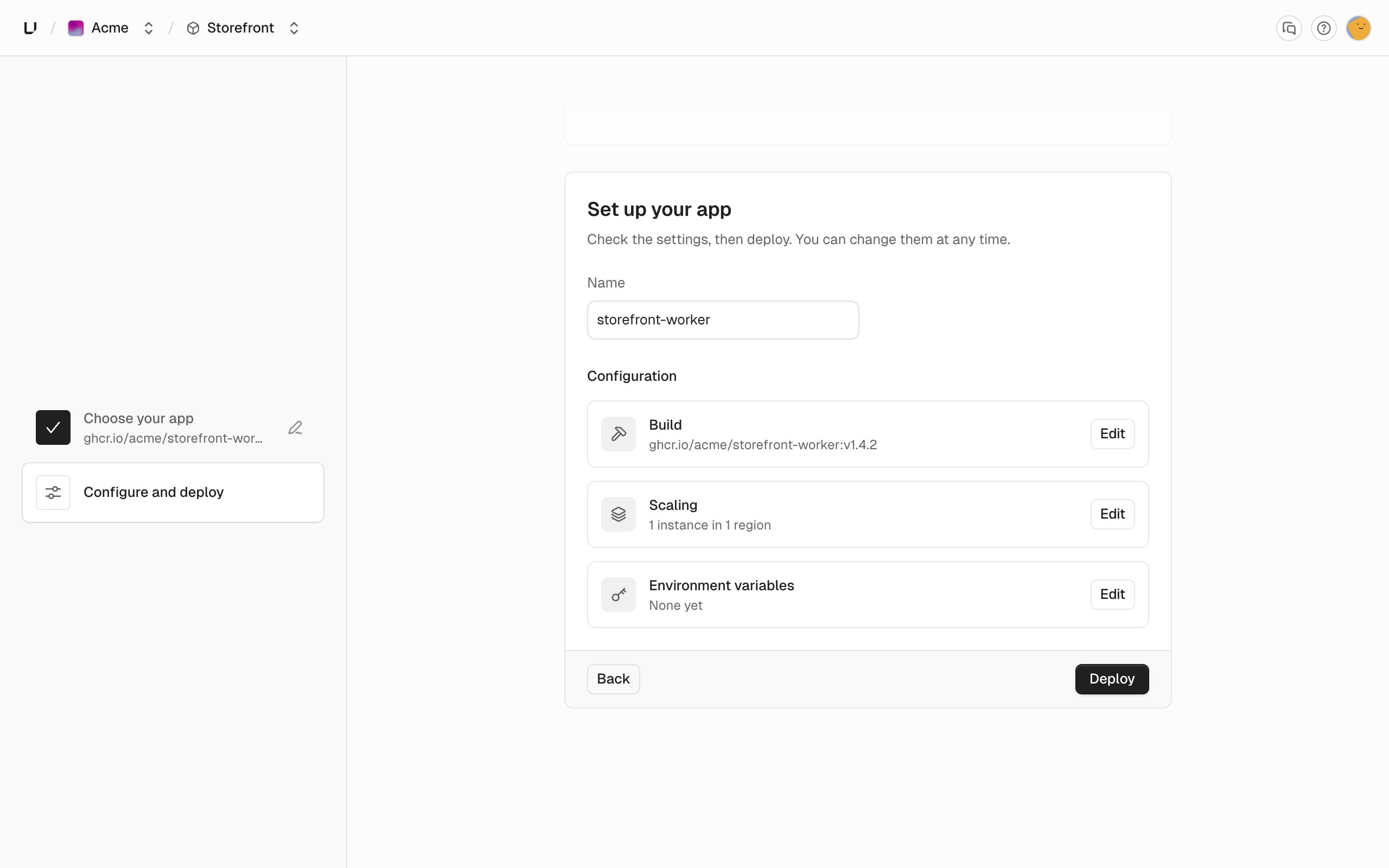
On Deploy a new app, pick Container image. Enter the Image reference and choose Continue. This creates the app, named after the last part of the image path.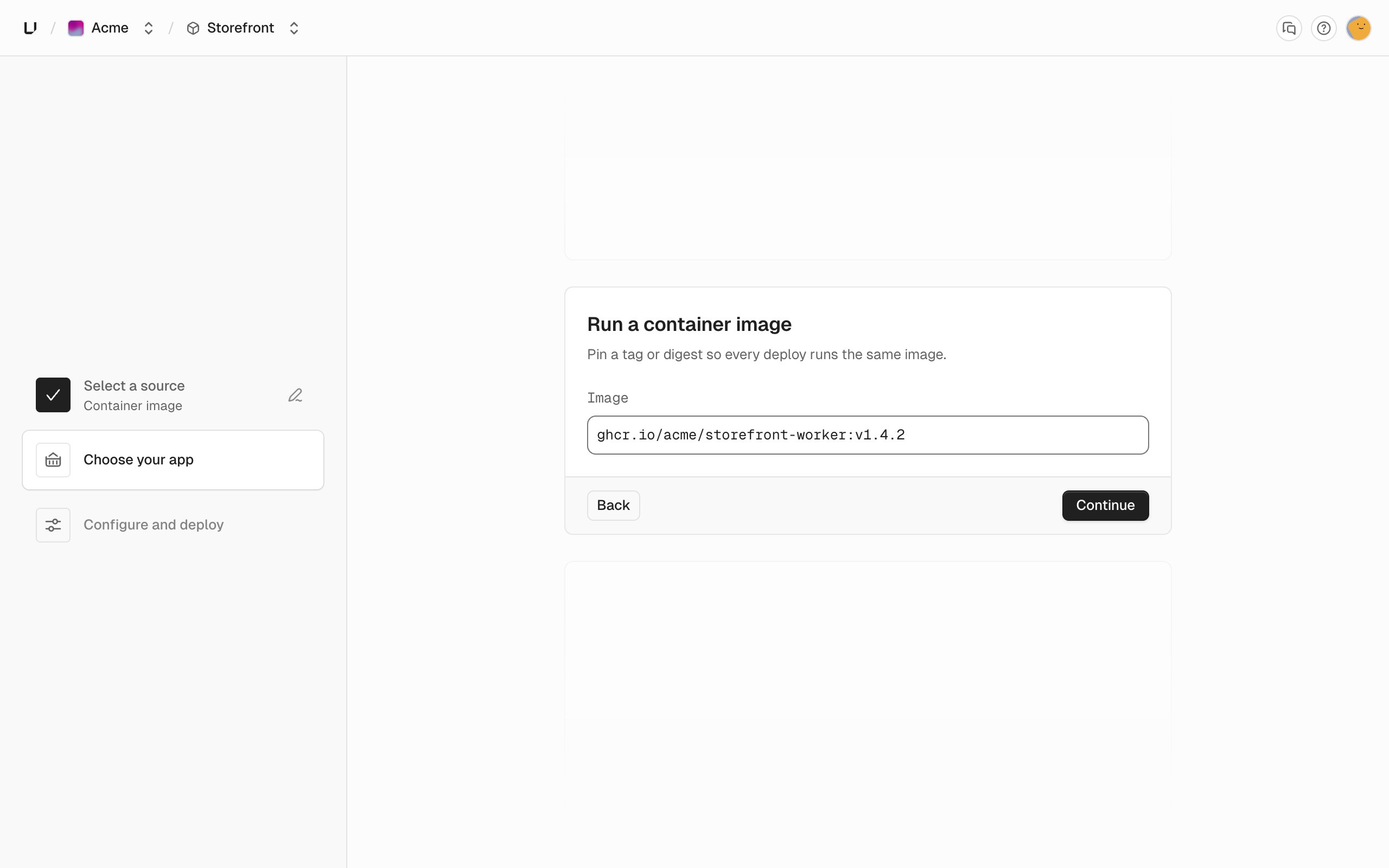
Deploy with unkey api deployments create-deployment
The Pass at most one of
unkey api commands match the public API one to one. create-deployment returns immediately with the deployment ID, and get-deployment reads its status. Both take the root key from --root-key or UNKEY_ROOT_KEY and print JSON with --output json.--oci, --git, or --deployment. Omit all three and the app deploys its configured default: its default image for an image app, its default branch for a Git app. A tag such as :latest is pinned to the exact image it points to when you deploy, so the deployment doesn’t change when the tag moves. The root key needs environment.*.create_deployment to create and unkey:v1:<workspace_id>:projects/*/apps/*/environments/*/deployments/*#read to read. See Root keys.Wait for ready
An image deployment runs the same steps as a Git one:
pending, starting, building, deploying, network, and finalizing before ready. The building step doesn’t build anything, so it’s short. The deployment still waits its turn if another deployment in the workspace is running. A production deployment that reaches ready becomes the live one and takes over the production domains, unless the app is rolled back. A preview deployment gets its own domains. If the status is failed, the error.code says why. Deployments lists the codes.