

api.acme.com. You add the domain, publish two DNS records to prove you own it, and we route it and get a certificate for it. It always serves the environment’s current deployment, like the automatic hostnames.
Before you start
- Your plan must allow it. Starter includes one custom domain, and Pro and Business have no practical limit. Going over returns
custom_domain_limit_exceeded. See Compute plans. - Each name can be used once in your workspace, so you can’t attach it to two environments.
- It must be under a domain someone can register.
api.acme.co.ukis fine, butco.ukon its own isn’t. Wildcards and IP addresses aren’t allowed. Unicode names work, and we store them in lowercase Punycode. - Port 80 must reach us as well as 443, so we can get a certificate.
Attach a domain
Add the domain
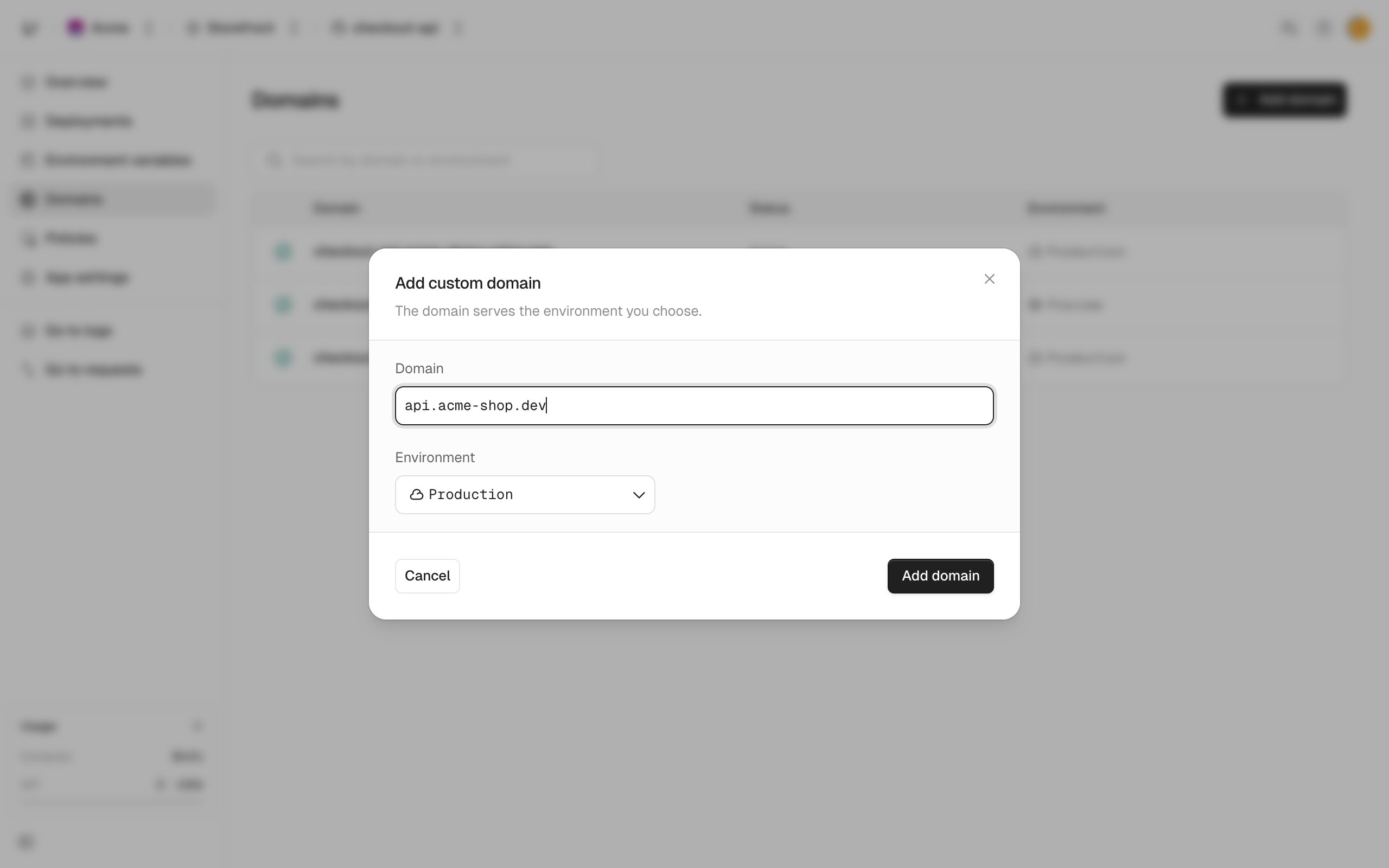
Publish the DNS records
We show the records to create at your DNS provider. On the Domains page, click a domain’s row to see them:
Copy the values exactly, with a TTL of 60 seconds.
ALIAS means whatever your provider calls an alias at the apex: ALIAS, ANAME, or a flattened CNAME.Some providers want names without the zone. In zone acme.com, enter api instead of api.acme.com, and _unkey.api instead of _unkey.api.acme.com. The zone itself is usually @.If your DNS is hosted at Cloudflare or Vercel, you can skip the manual step. We give you a Domain Connect link (domainConnect in the API, Connect under “Automatic setup available” in the domain’s row). Open it, approve the pre-filled records at your provider, and you’re sent back to the app’s settings.Verification failed or is stuck
After 24 hours without the right records, the status becomesfailed and verificationError says why. Fix the records, then retry with Retry verification on the domain’s row, or with the CLI. Retrying starts a new 24 hour window:
- Publish both records, even for a subdomain. A subdomain passes when its CNAME points at our target. But an apex domain, a flattened CNAME, or a proxied record that hides the CNAME can only pass with the TXT record.
- An apex domain must also resolve to an IP address (an A or AAAA record) through the alias.
- Values must match exactly. We compare them character for character.